Easy steps to turn PST files into MBOX format at Home
If you are planning to stop using MS Outlookwant to migrate to a different email program, such as Apple Mail, Thunderbird,Opera Mail, you might be wondering how to move your emails over
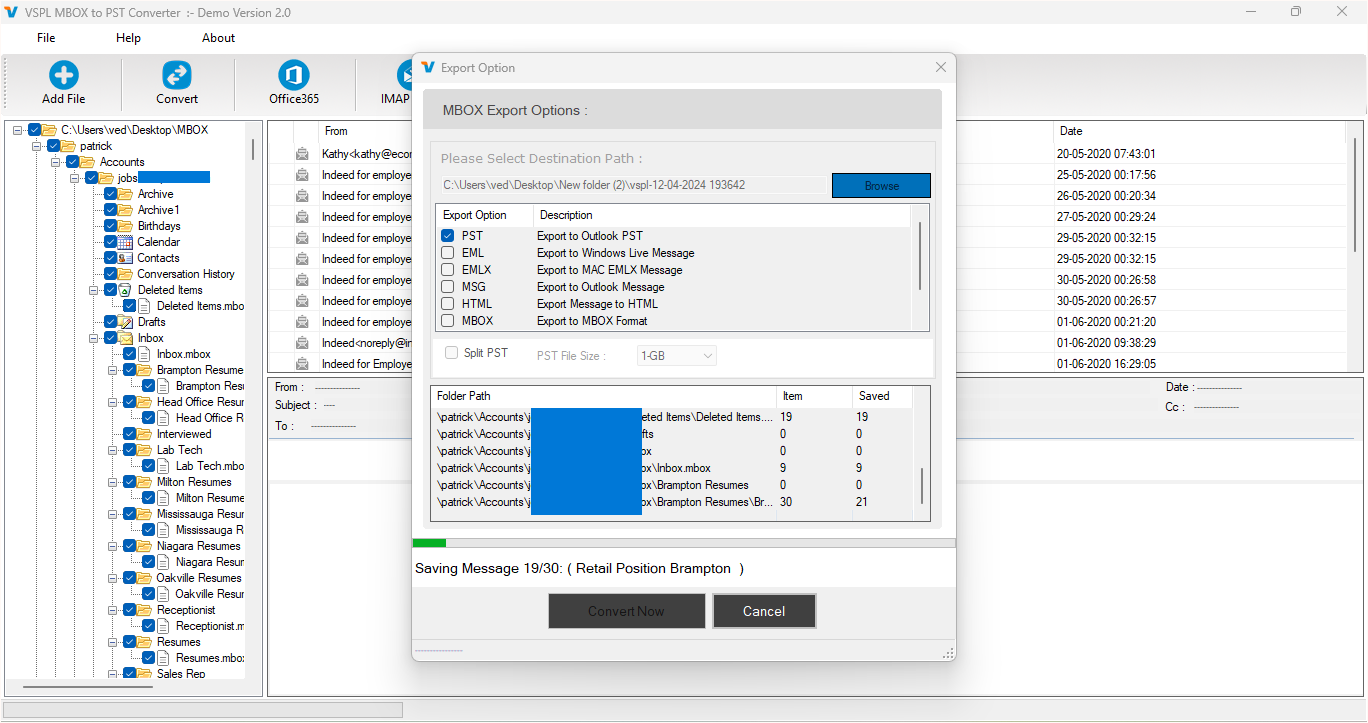
If you are planning to stop using MS Outlook and want to migrate to a different email program, such as Apple Mail, Thunderbird, or Opera Mail, you might be wondering how to move your emails over. MS Outlook users use a file format called PST, but most other email apps use MBOX. So, to keep your emails, you will need to convert PST to MBOX format.
Don’t worry—it sounds technical, but it is something you can do smoothly at home using the professional Software. In this article, we will show you how to recover data from PST and convert the data of Outlook emails using the best vMail PST to MBOX Converter Software. It is one of the best tools out there, even if you are not very tech-savvy,
What Are PST and MBOX Files?
Before we begin, let’s understand the basics:
- PST (Personal Storage Table): This is the format Microsoft Outlook uses to save your emails, contacts, calendar items, and more.
- MBOX: This is a widely used email file format supported by email clients like Mozilla Thunderbird, Apple Mail, Eudora, and many others.
If you're moving from Outlook to one of these other programs, converting your PST files is a must. That’s why people look for an Outlook to MBOX converter that’s easy to use and gets the job done correctly.
Why Should You Convert PST to MBOX?
There are many reasons why someone might want to convert Outlook to MBOX:
- Switching email programs: You want to move from Outlook to Thunderbird, Apple Mail, or another MBOX-based program.
- Backup emails: MBOX files are great for storing and backing up old emails.
- Sharing email data: MBOX files are easier to share and open in non-Outlook systems.
- Cross-platform compatibility: MBOX works on Windows, Mac, and Linux.
Whatever your reason, using a trusted tool like the vMail PST to MBOX Converter Software makes the process quick and stress-free.
Meet the vMail PST to MBOX Converter Software
The vMail PST to MBOX Converter Software is one of the best PST to MBOX converter tools you can find. It’s designed to help anyone—whether you're a beginner or an expert—easily convert PST to MBOX with just a few simple steps.
Here’s why users love this software:
- Easy to install and use
- Supports both old and new PST files
- Keeps folder structure and attachments safe
- Works with all versions of Outlook (2019, 2016, 2013, and earlier)
- Allows batch conversion of multiple PST files
Whether you’re dealing with a few emails or thousands, this software handles it all smoothly.
Step-by-Step Guide: How to Convert PST to MBOX at Home
Now, let’s walk through the process of how to export Outlook to MBOX using this software:
Step 1: Download and Install the Software
First, download the vMail PST to MBOX Converter Software from the official website. It works on both Windows and Mac. Once downloaded, install it on your computer by following the simple instructions.
Step 2: Launch the Software and Add Your PST File
Open the software and click on the option to load your PST file. This can be an Outlook data file that you exported earlier or one you’re currently using.
Step 3: Preview Your Outlook Emails
Once the file is loaded, you’ll see a preview of all your emails, folders, and attachments. This is helpful because you can make sure all your data is there before converting.
Step 4: Choose MBOX as the Output Format
Select “MBOX” as the file format you want to convert to. This tells the software that you want to convert Outlook to MBOX format.
Step 5: Start the Conversion Process
Click the “Convert” or “Start” button. The software will now begin converting your PST file into MBOX format. It usually takes just a few minutes, depending on the size of your PST file.
Step 6: Save the Converted File
Once the conversion is done, choose a location on your computer to save the new MBOX file. You can now import this file into Thunderbird, Apple Mail, or any other email client that supports MBOX.
What Makes This the Best PST to MBOX Converter?
Here are a few things that set vMail PST to MBOX Converter Software apart:
- No data loss: All your emails, including attachments, formatting, and metadata, are preserved.
- Batch conversion: Convert multiple PST files at once to save time.
- Preview feature: See your data before converting to avoid mistakes.
- Wide compatibility: Works with all major versions of Outlook and Windows/Mac OS.
- No tech skills needed: Just follow the simple steps—no complex setup required.
If you're looking for an Outlook to MBOX converter that’s reliable and user-friendly, this tool is a solid choice.
Final Thoughts
Switching from Microsoft Outlook to another email program doesn't have to be complicated. Thanks to tools like vMail PST to MBOX Converter Software, you can convert PST to MBOX quickly and easily from the comfort of your home.
This software gives you everything you need to export Outlook to MBOX without any risk of losing your emails. Plus, it's perfect for both personal use and small businesses.
So, if you're ready to move your Outlook emails to a new platform, give this best PST to MBOX converter a try. It’s simple, fast, and gets the job done right the first time.
Easy steps to turn PST files into MBOX format at Home Comments