Can you extract emails from shared Office 365 folders
IDC O365 Email Addresses Extractor Software easily extract emails address from O365, Live Exchange Server & Microsoft O365. It converts extracted data into PST, MSG, VCF, HTML,CSV etc.
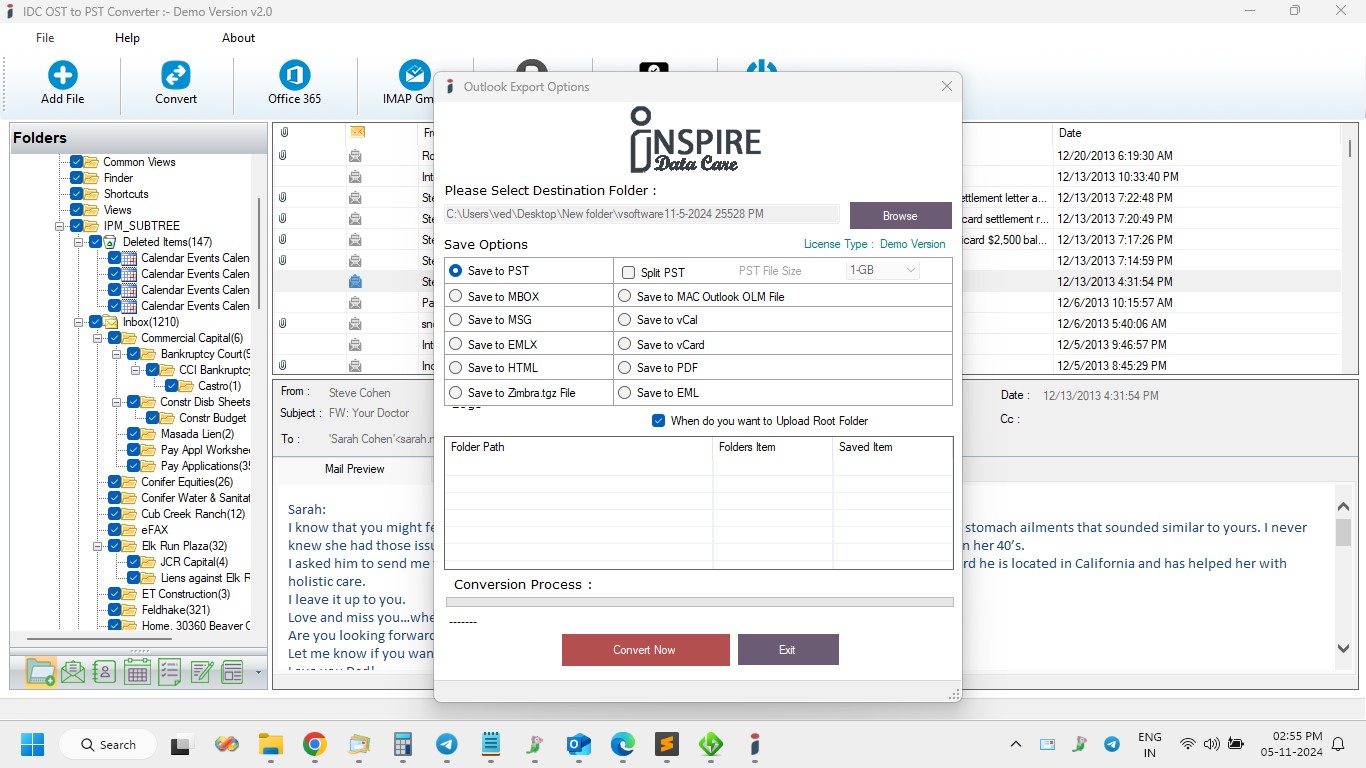
If you use Microsoft Office 365 for your personal and business work, you probably know how easily your mailbox can fill up with vital emails. Several users share their folders in Office 365 to organize communication and make collaboration easier. But what is you require to collect the entire emails addresses from those shared folders? This process is too difficult and take much time, if you do it manually, so the best option is using the professional tool such as- vMail O365 Email Address Extractor Software that helps you extract the data without problem and save them into PST, MSG, VCF, HTML and CSV
In this article, we will let you know about the process how to extract emails from Office 365, especially from shared folders, and how an Office 365 email address extractor Software can make the process easy and fast.
Why You Might Need to Extract Emails from Shared Folders
Shared folders in O365 are great for teamwork. They let multiple users to access the same emails and keep everyone on the same page. Though, when you want to collect the entire addresses from those messages such as- suppliers, customer contacts, or leads— it becomes challenging.
Imagine scrolling through hundreds or thousands of emails just to copy each address manually. Not only is this time consuming, but it also increases the risk of losing duplicating contacts. This is where automated tools for O365 Email Address Extraction can save the hours.
What Is an Office 365 Email Address Extractor?
An Office 365 Email Address Extractor Software is 100% safe and easy to download program, specially designed to automatically scans your Office 365 mailbox and allows you extract the entire emails addresses it finds. These addresses could be in the form, to, bcc, cc, time, subjects or even inside the email body.
The O365 Email Addresses Extractor Software is now available on VSoftware.org is a perfect example of such as software. Software helps you extract emails from Office 365 easily. To use the software, there is no need to have technical skills, making it ideal for businesses and teams that rely heavily on shared communication channels.
How Does the O365 Email Addresses Extractor Work?
This process is so simple, easy and straightforward. Here is a step by step idea of how to O365 Email Extractor Tool works:
- Connect your Accounts- You start by signing in with your Office 365 credentials. Software connects securely using Microsoft API.
- Select Mailboxes or Shared Folders- Select where you want to collect emails from- it could be your shared folders or personal mailboxes data.
- Scan for Addresses- The software is capable to automatically scans the entire selected folders for valid emails addresses.
- Preview and Export- Once scanning is complete, you can preview the extracted addresses and Convert them into an Excel or CSV format.
In just few minutes, you will have a clean list of the entire email contacts from your Office 365 folders.
Benefits of Using an O365 Email Extractor Tool
There are many rewards to using a professional O365 Email Extractor Tool instead of manual copy- pasting. Let’s look at a few:
- Save time: It extract multiple thousands of emails addresses without problem.
- Ensures Accuracy: No wasted or duplicated contacts.
- Easy to use: It has simple interface due to which anyone can use it without facing problem.
- Secure and Private: It doesn’t harm your internal data and will not share your complete details during extraction time.
- Flexible Output: Convert results in different file format for CRM or marketing use.
vMail O365 Email Addresses Extractor Software is specifically built to handle both shared mailboxes and personal mailboxes in Office 365 accounts, making it one of the most reliable solutions for O365 Email Address extractions.
Can You Extract Emails from Shared Folders in Office 365?
This advanced feature based, Office 365 Extractor Software is capable to access shared folders that you have permission to view, scan them for all available email addresses and neatly compile them into a single list. This is especially useful for:
- Custom service teams managing shared inboxes.
- Sales departments collecting client contacts.
- Project managers coordinating with multiple stakeholders.
So, if your goal is to extract emails from Office 365 shared folders safely, using a dedicated Office 365 email address extractor is your best option.
Final Thoughts
Extracting email address from shared Office 365 folders doesn’t have to be complicated or time- consuming. With the best O365 Email Extractor Tool, you can gather the entire email addresses you need in few minutes.
vMail O365 Email Addresses Extractor Software offers fast, secure and user-friendly solution for O365 email addresses extraction. Whether you are managing a team inbox, gathering client data, or cleaning up your contact list, this software can make your workflow much smoother.
So, the answer is very simple- yes, you can extract emails from shared office 365 folders. You just need the perfect software to do it easily. Give the Office 365 Email Address Extractor a try and see how much time and efforts it can save you.
Can you extract emails from shared Office 365 folders Comments