Request For Customization :-
if you any need to customize in VSPL Office 365 Duplicate Remover then you can send mail to our support team. support@vartikasoftware.com
 (Average Rating 4.7 Based on 128 Reviews)
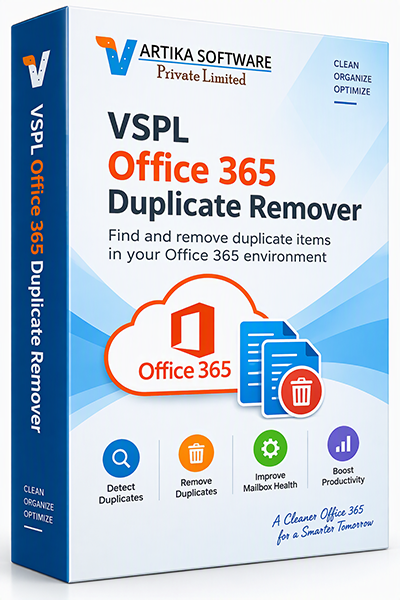
Keep your Microsoft 365 mailbox clean, organized, and efficient with VSPL Office 365 Duplicate Remover. This powerful utility helps IT administrators, businesses, and individual users quickly identify and eliminate duplicate emails, contacts, calendars, tasks, notes, and other mailbox items from Office 365 accounts. Duplicate data can increase mailbox size, reduce productivity, create confusion, and impact overall mailbox performance. VSPL Office 365 Duplicate Remover provides an intelligent and secure solution to scan, detect, and remove duplicate items while preserving the integrity of your mailbox data.
Managing duplicate items in Microsoft 365 environments can be challenging, especially after mailbox migrations, synchronization issues, PST imports, backup restorations, or multiple account merges. VSPL Office 365 Duplicate Remover automates the process and saves valuable time.
Remove duplicate emails, contacts, calendars, and other redundant mailbox items with ease. Improve mailbox performance, save storage space, and streamline Microsoft 365 management with VSPL Office 365 Duplicate Remover.
The software uses advanced algorithms to identify duplicate items based on multiple attributes, including:
This ensures highly accurate duplicate identification while minimizing false matches.
Quickly scan Exchange Online mailboxes and remove redundant email messages that consume valuable storage space.
Eliminate duplicate contacts created through imports, synchronization, or migration processes
Maintain an accurate schedule by removing repeated calendar appointments and meetings.
VSPL Office 365 Duplicate Remover is especially useful after:
Review detected duplicate items before removal to ensure complete control over the cleanup process.
Supports modern Office 365 authentication methods for secure mailbox access and processing.
Process multiple Office 365 user accounts efficiently, making it ideal for organizations and managed service providers.
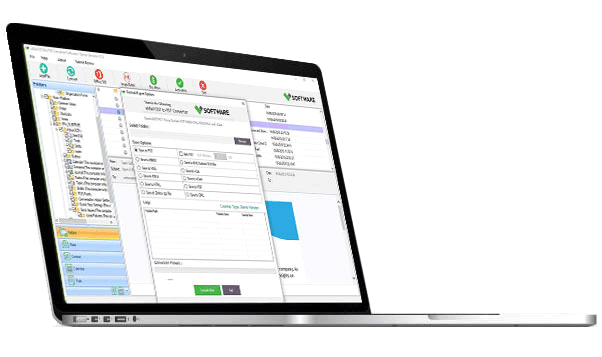
Launch the software and securely sign in to your Microsoft 365 account.
Choose single or multiple mailboxes for duplicate analysis.
The software scans mailbox folders and identifies duplicate items.
Preview detected duplicate emails, contacts, and calendar entries.
Delete unwanted duplicate items and optimize mailbox performance.
Maintain organized Microsoft 365 environments across departments.
Simplify mailbox management and reduce storage overhead.
Offer mailbox cleanup services to clients efficiently.
Keep personal and professional mailboxes clutter-free.
if you any need to customize in VSPL Office 365 Duplicate Remover then you can send mail to our support team. support@vartikasoftware.com
| Product Features | Free Version | Full Version |
|---|---|---|
| File Preview / Folder Preview/ Message Preview | ||
| Saved Items | First 30 Emails(Each selected folder) | All Message Items |
| Available 24x7 Technical Support | ||
| License Price | Free | $39 USD |
| Free Download | Buy Now |
Duplicate items commonly occur due to:
The software can identify and remove duplicates:
Yes. VSPL Office 365 Duplicate Remover allows users to review detected duplicate items before proceeding with the removal process, ensuring complete control over mailbox cleanup.
Yes. The software supports Microsoft 365 Business, Enterprise, and Exchange Online mailboxes, making it suitable for individual users and organizations.
Yes. The software supports batch processing, allowing administrators to scan and remove duplicates from multiple mailboxes efficiently.
The software compares multiple email properties, including:
This ensures accurate duplicate detection.
No. The software is designed to remove only duplicate copies based on selected criteria while retaining original mailbox items.
No. VSPL Office 365 Duplicate Remover features a user-friendly interface that allows both technical and non-technical users to remove duplicates easily.
Yes. Removing duplicate emails and other redundant mailbox items helps reduce storage consumption and improve mailbox organization
Absolutely. It is especially beneficial after:
Yes. The application supports secure modern authentication methods for connecting to Microsoft 365 accounts.
Yes. Users can choose specific mailbox folders to scan and remove duplicate items instead of processing the entire mailbox.
The processing time depends on:
Most scans are completed much faster than manual duplicate cleanup methods.
Key benefits include:
The software is ideal for:
⭐⭐⭐⭐⭐ Reliable After Microsoft 365 Migration We used VSPL Office 365 Duplicate Remover immediately after an Exchange to Microsoft 365 migration. It helped eliminate thousands of duplicate items generated during synchronization. The results exceeded expectations
Emily S - Migration Consultant⭐⭐⭐⭐⭐ Fast, Secure, and Efficient The software connected securely to our Microsoft 365 environment and completed the cleanup process much faster than we anticipated. Its a must-have utility for administrators dealing with duplicate mailbox data.
James P - IT Consultant⭐⭐⭐⭐⭐ Excellent Tool for Microsoft 365 Cleanup After a tenant migration, we discovered thousands of duplicate emails across several user mailboxes. VSPL Office 365 Duplicate Remover quickly identified and removed duplicates without affecting the original data. The software saved us countless hours of manual work
Michael R - IT Administrator⭐⭐⭐⭐⭐ Clean and Easy-to-Use Interface I am not a technical user, but the software was very easy to use. The step-by-step process helped me remove duplicate email contacts from my Microsoft 365 account within minutes. Highly recommended
Sarah M - Business Owner⭐⭐⭐⭐⭐ Perfect for Exchange Online Management We regularly manage multiple Office 365 mailboxes for our clients. VSPL Office 365 Duplicate Remover has become an essential tool in our mailbox maintenance process. Fast, accurate, reliable
David L - Microsoft 365 Administrator⭐⭐⭐⭐⭐ Significant Reduction in Mailbox Size Following a PST import, our mailbox storage increased dramatically because of duplicate emails. This software removed the duplicate messages efficiently and helped us reclaim valuable mailbox space
Jennifer K - Operations Manager⭐⭐⭐⭐⭐ Accurate Duplicate Detection What impressed me most was the accuracy of duplicate detection. The tool identified duplicate emails, contacts,calendar entries while keeping the original items intact. Excellent product
Robert T - Systems Engineer⭐⭐⭐⭐⭐ Great Value for IT Teams The batch processing feature allowed us to clean multiple user mailboxes in a single operation. This saved our team many hours and improved overall mailbox performance
Mark W - Network AdministratorLearn how to remove duplicate emails from Office 365Microsoft 365 mailboxes. Discover the causes of duplicate emailsh...





